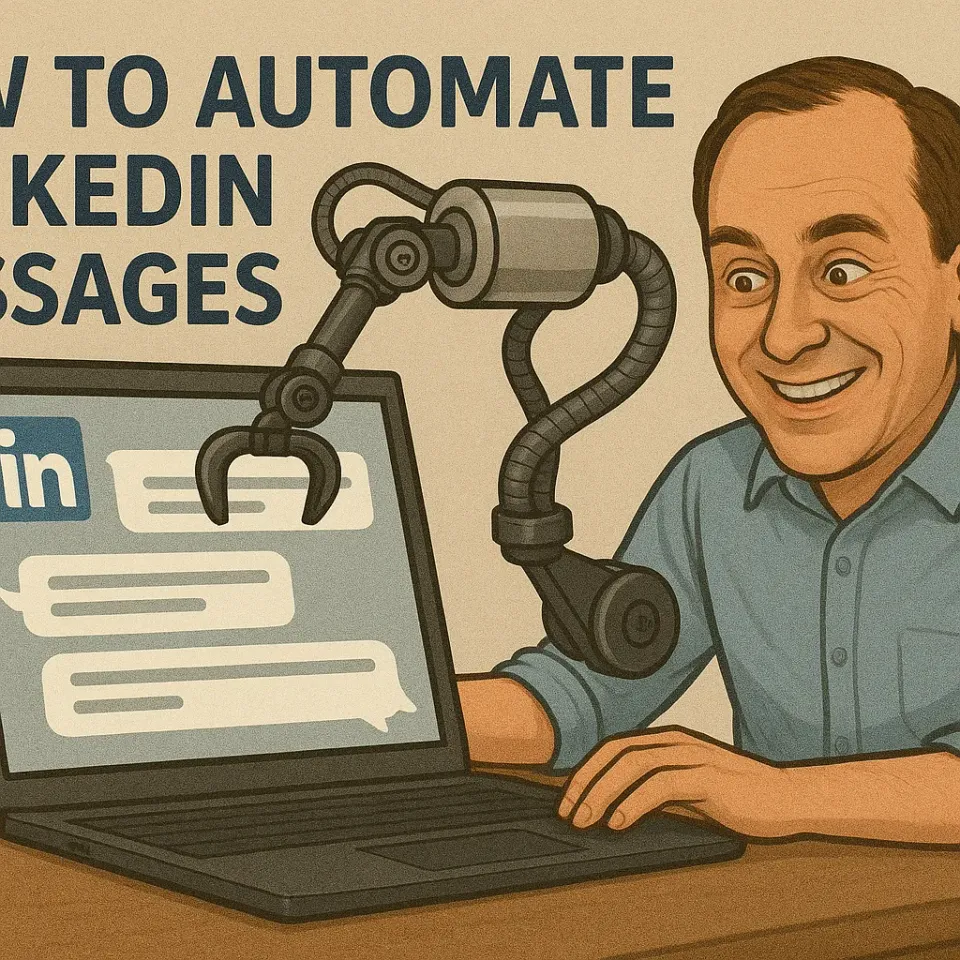
Let’s face it: manually sending LinkedIn messages is exhausting. If you’ve ever tried scaling your outreach, you know the pain of copying, pasting, and tweaking the same message 100 times. But what if you could automate this process without sounding like a spammy bot? Fidforward.com
In this guide, you’ll learn how to automate LinkedIn messages effectively—using proven templates, smart tools, and strategies that keep your account safe. No corporate jargon, no fluff. Just actionable steps to save time and boost replies.
LinkedIn is a goldmine for B2B leads, but only if you use it right. Here’s why automation matters:
The same automation principles work wonders for improving user onboarding - strategic timing and personalization are key to both outreach and onboarding success.
But there’s a catch: LinkedIn hates spam. Use automation recklessly, and your account gets restricted. The key is balancing efficiency with authenticity. Check out our Blog
Not all automation tools are created equal. Some are safer, some are cheaper, and others offer better features. Here’s a breakdown of the top options in 2025:
| Tool | Price range | Best for | Safety features |
|---|---|---|---|
| FidForward | $99-$349/mo | Recruiting teams | Respects LinkedIn’s limits |
| Dripify | $39-$99/mo | Sales teams | Cloud-based, mimics human behavior |
| Expandi | $59-$99/mo | Small businesses | Built-in delays, anti-detection |
| Kaspr | Free-$49/mo | Solo users | GDPR-compliant, free tier |
| Meet Alfred | $29-$49/mo | Recruiters | Multi-account support |
| Phantombuster | $30-$299/mo | Data scraping | Advanced filters |
Safety tip: Avoid browser extensions like Dux-Soup. LinkedIn detects them quickly. Cloud-based tools (e.g., Dripify) are safer because they don’t interact directly with LinkedIn’s code.
Automation works only if your messages feel personal. Use these templates as a starting point:
Hi [First Name],
I just read your post about [topic]. Your point on [specific detail] resonated with me because [personal connection]. Would you be open to a quick chat?
-Best, [Your Name]
Why it works: References their content and shows genuine interest (see examples).
Hi [First Name],
Thanks for connecting! I noticed you work in [industry]. I've helped [similar companies] with [specific problem]. Could I share a quick tip?
-Thanks, [Your Name]
Pro tip: Wait 2-3 days after connecting to send this (follow-up advice).
Hi [First Name],
Just circling back—I know life gets busy! If now's not a good time, let me know when you're free.
-Best, [Your Name]
Keep it light: Avoid pressure (more tips).
Let’s walk through automating messages using Dripify as an example:
Critical settings:
Automating LinkedIn messages isn’t about replacing human touch—it’s about scaling the right conversations. Use tools wisely, personalize relentlessly, and always prioritize quality over quantity.
Final checklist:
Now go save those hours and start connecting!
For more tips and AI-powered recruitment solutions, visit FidForward. Explore 360 Degree Feedback
Can I get banned for automating LinkedIn messages? Yes, if you use automation tools aggressively or violate LinkedIn’s User Agreement, you risk account restriction or banning. To minimize this risk, use cloud-based tools that simulate human behavior, respect daily limits, and avoid sending spammy or identical messages to large numbers of people.
What is the best way to personalize automated messages? Beyond using the recipient’s name, effective personalization involves referencing their company, job title, industry, or recent activity. Advanced tools can even pull data from their profile to create highly tailored messages. The key is to make the message relevant to them, not just a generic pitch.
How many messages should I send per day? Safe limits vary based on your account type and history. A general guideline is to keep total daily actions (messages + connection requests) under 100. Start slow (e.g., 20 messages/day) and gradually increase. Always prioritize quality interactions over quantity.
Do automation tools work with LinkedIn Sales Navigator? Yes, most professional automation tools integrate seamlessly with Sales Navigator, allowing for more advanced filtering and targeting. This combination can significantly improve the relevance and effectiveness of your automated outreach campaigns.
Is it better to use a Chrome extension or a cloud-based tool? Cloud-based tools are generally safer and more reliable than Chrome extensions. Extensions inject code into your browser session, which LinkedIn can more easily detect. Cloud-based tools operate independently, often using dedicated IP addresses to mimic natural usage patterns.